MiniMax H3 LoRA Guide
MiniMax H3 LoRA work is moving quickly across experimental trainers, acceleration adapters, and community loaders. This guide separates verified base-model facts from community claims—and explains the multimodal reference controls available in this hosted generator.
MiniMax H3 LoRA / ecosystem snapshot August 7, 2026
Adapters are promising, but the contract is still moving
A MiniMax H3 LoRA is a small trained adapter intended to modify selected behavior of the much larger H3 base model without distributing a full replacement checkpoint. The official model release supports further development and fine-tuning, but current H3 LoRA training recipes, Turbo adapters, loaders, target modules, audio behavior, memory requirements, and licenses must be evaluated per artifact. This site does not train, upload, or load LoRA files.
Separate official fine-tuning permission from a finished recipe
MiniMax released complete H3 weights to support further development, including fine-tuning, under the MiniMax H3 Community License. That establishes a development path; it does not declare every community trainer correct or every adapter redistributable. H3 is a 33B dense omni-modal transformer with large context encoding plus separate visual and audio representations. Choosing target modules without understanding those branches can produce a file that loads yet changes the wrong behavior.
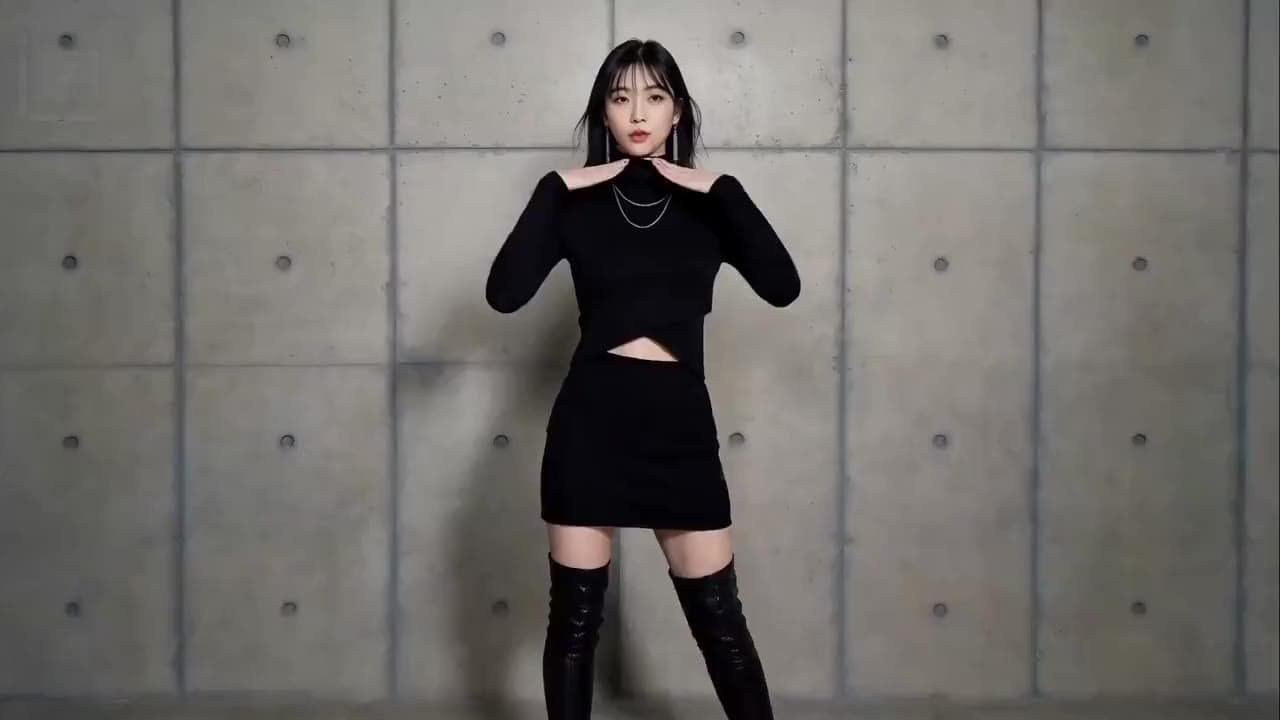
Before training, define the objective: character identity, visual style, motion vocabulary, camera behavior, domain detail, or acceleration. A visual-style dataset and a Turbo distillation adapter solve different problems. Record the base checkpoint, trainer commit, target modules, rank, precision, frame count, resolution, caption format, audio treatment, optimizer, and license. Without that manifest, a `.safetensors` filename is not a reproducible LoRA.
Treat 24GB training reports as experiments
Community reports describe experimental H3 LoRA training on 24GB hardware using pruned or quantized models and specialized forks. These posts are valuable early signals, not an official minimum. Training memory depends on which modules receive gradients, optimizer states, activation checkpointing, frame dimensions and count, batch strategy, precision, audio path, caching, and whether other encoders remain resident.
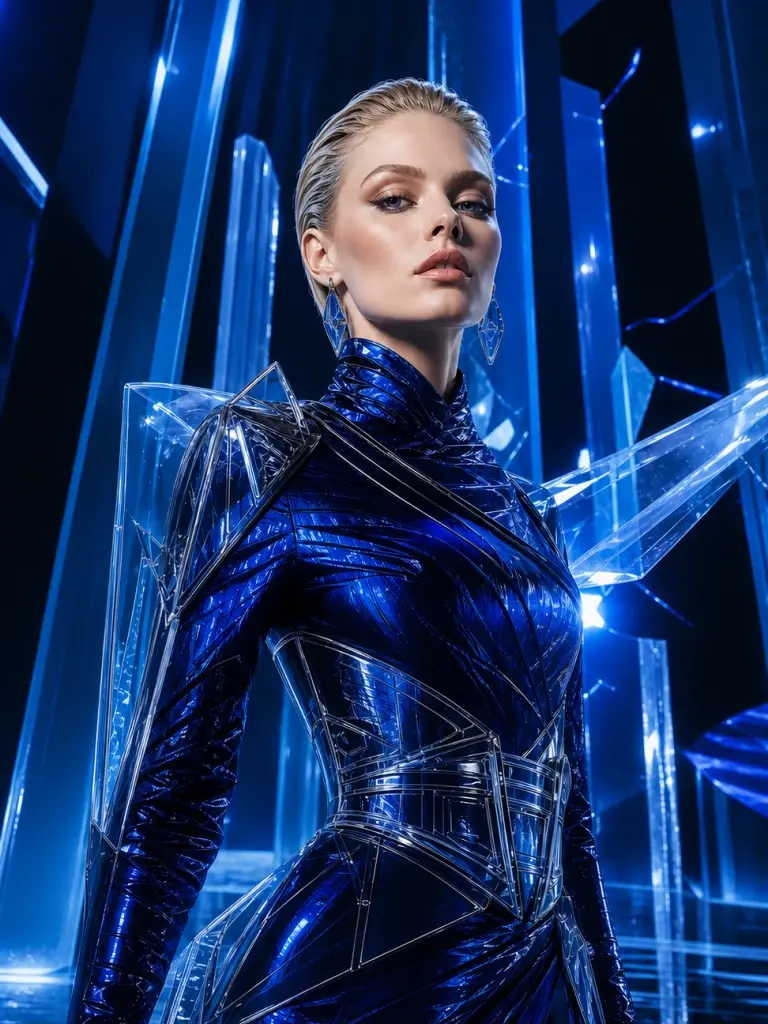
A recipe that fits memory may still be impractical if each step is extremely slow, silently drops audio learning, overfits a tiny dataset, or only exports to one custom loader. Validate with a held-out prompt set and compare the base model against several adapter strengths. Look for identity gain, motion collapse, style leakage, audio damage, and reduced prompt range—not just one flattering sample from the training set.
Verify Turbo LoRA and loader compatibility independently
A Turbo LoRA usually aims to reduce sampling steps or distill a faster trajectory. It is not automatically a character or style LoRA, and a four-step claim does not guarantee matching quality across T2V, keyframes, Ref2VA, audio, resolutions, or every sampler. Early H3 Turbo discussions have changed within hours, including whether a weight works in a particular ComfyUI loader. Pin versions and read the artifact card before importing it.

Compatibility requires the expected base variant, tensor names, target modules, precision, loader implementation, strength convention, sampler, scheduler, and often a specific workflow commit. If ComfyUI ignores the adapter, produces unchanged output, or reports missing keys, do not increase strength blindly. Confirm that the loader actually applies the weights and that the artifact’s license and stated use cases cover your project.
Use multimodal references when training is unnecessary
Many people searching for a LoRA really need repeatable visual context for one production: the same face and wardrobe, a product shape, a motion rhythm, a camera move, or a voice texture. H3’s Ref2VA path can assign those roles to images, videos, and audio at inference time. It requires no dataset preparation or adapter training and is available in the generator above.
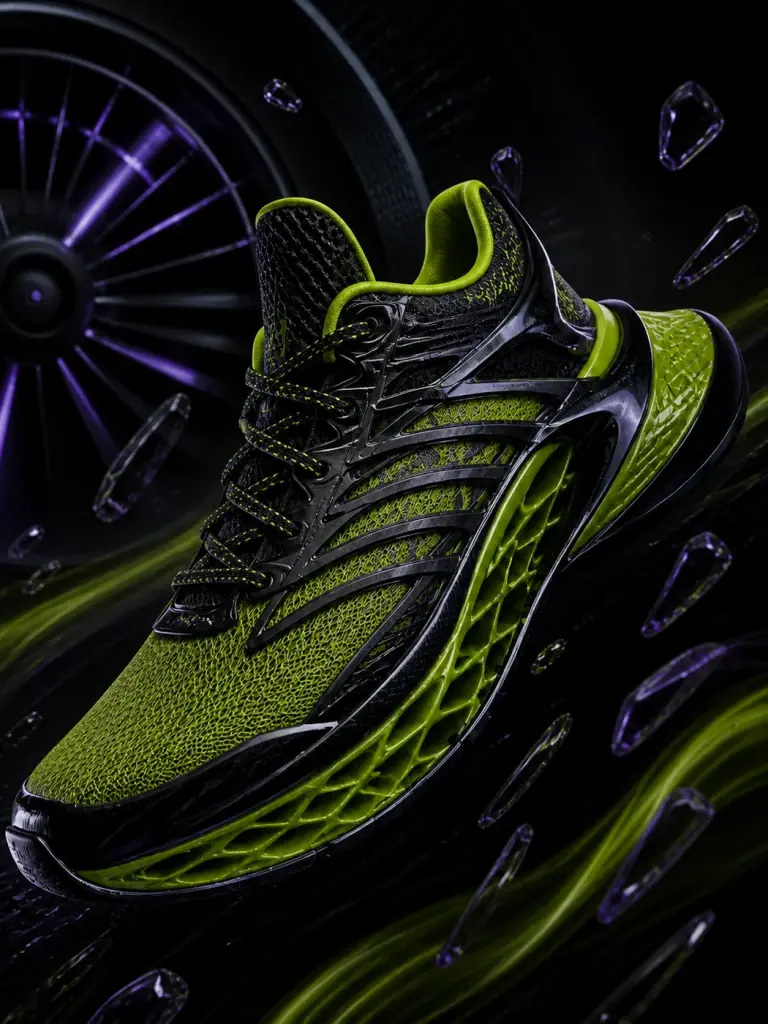
Reference conditioning is not a LoRA. It does not permanently teach the base model, may need sources on every run, and cannot promise the same identity or style persistence as a well-trained adapter. It is nevertheless a practical first test: if a small, well-labeled reference set solves the shot, you avoid training cost and compatibility risk. If it fails across a systematic benchmark, you have better evidence for defining a future fine-tuning objective.
Choose the least risky control method
One project or campaign. Try clearly assigned image, video, and audio references first; preserve the prompt and source roles for every take.
Repeated domain behavior. Consider fine-tuning only after a benchmark shows that references and prompts cannot produce the required behavior reliably.
Faster sampling. Evaluate a Turbo adapter as an acceleration experiment with base-versus-adapter quality, audio, motion, and compatibility tests.
Research the surrounding H3 workflow before training
Define what the LoRA is supposed to change.
Character, style, motion, domain knowledge, and faster sampling are different objectives. Each needs different data, evaluation, and compatibility checks.
Benchmark, define, then train only if needed.
Test the base model with strong prompts, keyframes, and labeled references across a held-out shot list. Record recurring failures rather than choosing anecdotes.
Choose one adapter objective, a lawful dataset, target modules, training recipe, export format, loader, license, and pass/fail evaluation before spending GPU time.
Run base and adapter at several strengths on unseen prompts. Check identity, motion, style leakage, audio, prompt range, speed, memory, and loader portability.
Try reference control before training an adapter.
This hosted generator does not load LoRA files. It does support image, video, and audio references for shot-specific identity, movement, style, and sound direction.
Test the production need before paying for training
Use managed reference generations to build a benchmark and decide whether a specialized adapter would create measurable value.
Standard
Billed $238.80 yearly
- Commercial Usage RightsYearly Only
- Up to 520 videos
- Video models low to $0.11/s
- Up to 9,360 images
- All AI Models
- Priority Support
- Priority Processing Speed
- Remove Watermark
- Free Video UpscalerYearly Only
- Free Frame InterpolationYearly Only
- More Free AI ToolsYearly Only
Business
Billed $418.80 yearly
- Commercial Usage RightsYearly Only
- Up to 1,133 videos
- Video models low to $0.09/s
- Up to 20,400 images
- All AI Models
- Priority Support
- Dedicated Support
- Priority Processing Speed
- Remove Watermark
- Free Video UpscalerYearly Only
- Free Frame InterpolationYearly Only
- More Free AI ToolsYearly Only
Enterprise
Billed $898.80 yearly
- Commercial Usage RightsYearly Only
- Up to 3,266 videos
- Video models low to $0.06/s
- Up to 58,800 images
- All AI Models
- Priority Support
- Dedicated Support
- Priority Processing Speed
- Remove Watermark
- Free Video UpscalerYearly Only
- Free Frame InterpolationYearly Only
- More Free AI ToolsYearly Only
Included models
 Ideogram 4
 Z-Image Turbo
 Grok Imagine Image
 Nano BananaNano Banana ProNano Banana 2
 GPT Image 2
 Seedream 5.0 LiteSeedream 4.5
 MiniMax H3Seedance 2.0Seedance 2.0 FastSeedance 2.0 MiniSeedance 2.5Coming SoonGet Early BirdSeedance 1.5 ProGrok Imagine Video
 Gemini Omni FlashVeo 3.1 QualityVeo 3.1 LiteVeo 3.1 FastWan 2.7Wan 2.6Wan 2.5
Credits activate instantly for MiniMax H3 generation workflows.




A weight file needs provenance and a test plan.
Record base checkpoint, trainer, dataset rights, target modules, precision, export format, loader, adapter license, intended use, and held-out results.
Test Reference ControlMiniMax H3 LoRA FAQ
Does MiniMax H3 support LoRA fine-tuning?
The official release includes complete weights for further development, including fine-tuning, and the ecosystem is already experimenting with LoRA-style adapters. There is not one universal training or loader recipe. Verify the exact base variant, target modules, trainer, export format, and Community License obligations for every artifact.
Can I train a MiniMax H3 LoRA on 24GB VRAM?
Community experiments report some 24GB training configurations using pruned or quantized models, caching, checkpointing, and specialized forks. That is not an official minimum or guarantee. Memory and speed depend on trained modules, optimizer, frames, resolution, batch strategy, precision, audio handling, and system RAM.
What is a MiniMax H3 Turbo LoRA?
A Turbo LoRA is generally an acceleration adapter intended to reduce sampling steps or approximate a faster generation trajectory. It is different from a character or style adapter. Confirm the required base model, sampler, scheduler, loader, supported modes, audio behavior, quality tradeoff, and license before use.
Does this site let me upload or train MiniMax H3 LoRA files?
No. This hosted workspace currently provides text, first/last-frame, and multimodal reference generation. It does not train adapters, accept LoRA uploads, load community safetensors, or guarantee compatibility with ComfyUI LoRA nodes. The page is a guide, not a hidden LoRA feature.
Can MiniMax H3 references replace a LoRA?
References can solve some shot-specific needs by assigning identity, style, motion, camera, or voice to images, videos, and audio at inference time. They are not equivalent to training: sources may be needed on every run, and persistence is not guaranteed. Test references before deciding an adapter is necessary.
Can I use any community H3 LoRA commercially?
Do not assume so. Review the MiniMax H3 Community License, the adapter’s own license, dataset and likeness rights, redistribution terms, territory or revenue conditions, and content restrictions. A downloadable file or successful loader does not itself grant lawful commercial use.