Create from text, first or last frames, and image, video, or audio references. Direct 24 FPS clips with native 32 kHz stereo sound from one independent browser workspace.
MiniMax H3 guide / verified August 5, 2026
MiniMax H3 AI is an omni-modal video generation workflow that understands text, image, video, and audio context. It can create 4–15 second clips in 768P or 2K at 24 FPS with native 32 kHz stereo audio, using either an open text prompt, first or last frames, or a structured collection of visual and sound references.
Start with text when the composition can be invented from scratch. A useful prompt reads like shot direction: identify the subject, action, environment, camera position and movement, lighting, pace, and the sound that matters most. Put hard continuity requirements before decorative style. Six fixed aspect ratios cover widescreen, landscape, square, and portrait delivery, while duration can be any whole second from four through fifteen.

This path suits concept exploration, social hooks, atmospheric inserts, product moments, and cinematic B-roll. It also makes a clean benchmark because no uploaded asset hides whether the model understood the words. Generate several candidates, record the exact settings, and compare usable seconds rather than choosing the clip with the strongest thumbnail.
Image-to-video requires at least a first frame or a last frame; you may supply both when a transition needs two anchors. The frame determines composition, so this mode does not send a separate aspect-ratio parameter. Describe what changes over time: camera travel, body movement, environmental response, timing, and what must remain untouched. Repeating every visible detail wastes prompt space and can introduce conflicts.
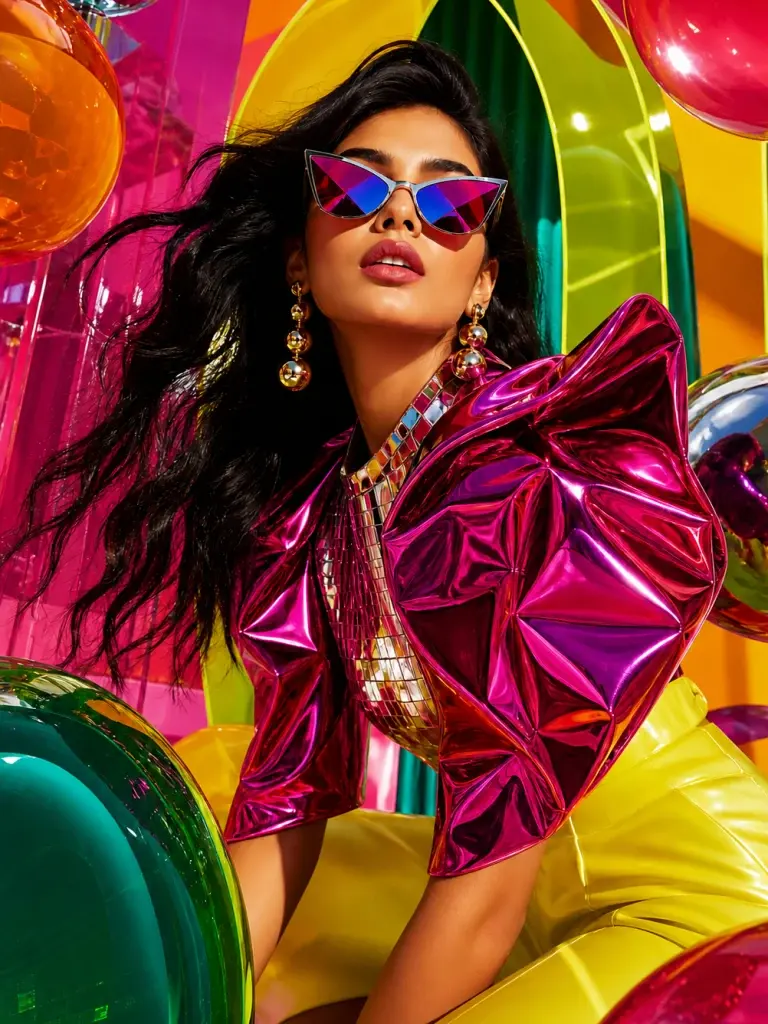
First-frame guidance is useful for animating campaign key art, product photography, illustrations, or a storyboard panel. A last frame adds destination control for reveals and transformations. Because frame mode and the reference stack are mutually exclusive, decide whether the shot needs endpoint composition or broader identity and motion context before uploading files.
The MiniMax H3 video reference workflow accepts up to nine images, three videos, and three audio files, with twelve files total. Each video or audio clip must run from two to fifteen seconds, and the total duration within each of those media types cannot exceed fifteen seconds. Audio cannot be the only reference: include at least one image or video so the system has visual context.
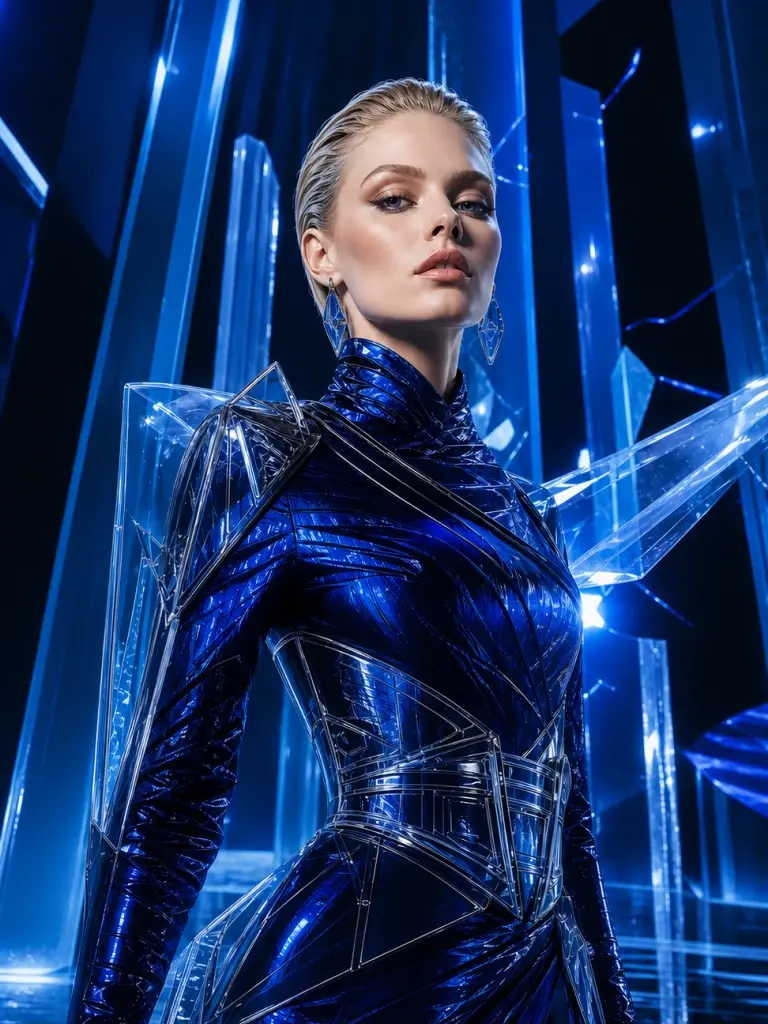
Give every file one job. One image might define identity, another wardrobe, and another location. A short video can demonstrate camera rhythm or a performance beat, while audio can establish timing, ambience, or tonal texture. More files are not automatically better. Remove redundant or contradictory references, then state in the prompt which property should come from which source.
Choose 768P for faster exploration and 2K when fine texture, hair, materials, environmental detail, or a larger delivery frame justifies the additional credits. Resolution cannot rescue weak composition or unstable motion, so prove the shot at an economical setting before spending more on the final direction. The minimax h3 ai video workflow bills output duration, reference-video duration, and images beyond the first five; the preview is an estimate and the server recalculates from uploaded metadata.
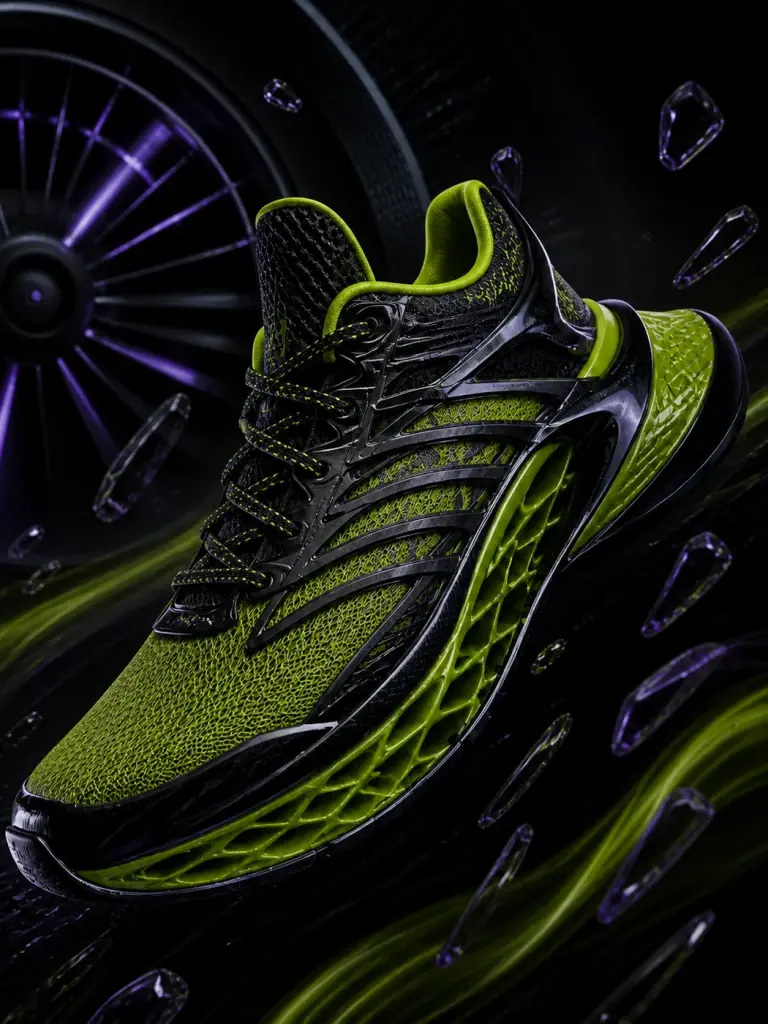
Native stereo audio is generated with the picture rather than attached as a separate stock track. Write sound as physical direction: distance, texture, timing, room tone, a synchronized impact, or one spoken beat. Always check pronunciation, lip sync, clipping, unwanted music, channel balance, and rights before publishing. ‘Native’ describes the generation method, not a guarantee of a finished mix.
Commercial concepts. Explore product reveals, texture studies, mood films, and vertical campaign hooks before committing to a conventional shoot. Keep exact logos, packaging text, prices, and legal disclosures in a deterministic editing layer.
Narrative previsualization. Turn storyboard frames into moving drafts, test camera paths, and compare performance energy. Use references to carry a visual language between shots, then treat every output as a take that still needs editorial judgment.
Creator production. Build music visuals, fashion loops, explainers, environmental shots, and short social stories with sound. A controlled 15-second scene is often more useful than an ambitious clip that loses identity halfway through.
Model names do not answer a production brief by themselves. Read our practical comparisons of MiniMax H3 vs Seedance 2 and MiniMax H3 vs Flux 3 Video. They separate documented capabilities from unknowns and include repeatable tests for motion, references, audio, duration, and cost per accepted shot.
Use text for an open composition, frames for a planned beginning or ending, and multimodal references when identity, movement, or sound needs a concrete anchor.
Write the subject and action first. Add environment, camera path, lighting, pacing, continuity requirements, and one or two important sound cues. Clear priorities give the model a usable hierarchy instead of an unranked list of adjectives.
Choose one input path. Use frames when composition must begin or end in a known place. Use reference mode when images, video, or audio communicate identity, motion, rhythm, or atmosphere better than prose alone.
Check prompt adherence, anatomy, object permanence, camera continuity, usable seconds, and audio synchronization. Preserve the settings that worked and change one variable at a time so the next take answers a specific production question.
Choose a workflow, set 4–15 seconds and 768P or 2K, then generate and review the result in My Creations.
Pick a plan that fits your output resolution, duration, reference-video seconds, and production volume.
Billed $238.80 yearly
Billed $418.80 yearly
Billed $898.80 yearly
Included models
 Ideogram 4
 Z-Image Turbo
 Grok Imagine Image
 Nano BananaNano Banana ProNano Banana 2
 GPT Image 2
 Seedream 5.0 LiteSeedream 4.5
 MiniMax H3Seedance 2.0Seedance 2.0 FastSeedance 2.0 MiniSeedance 2.5Coming SoonGet Early BirdSeedance 1.5 ProGrok Imagine Video
 Gemini Omni FlashVeo 3.1 QualityVeo 3.1 LiteVeo 3.1 FastWan 2.7Wan 2.6Wan 2.5
Credits activate instantly for MiniMax H3 generation workflows.
A useful result holds identity, motion, camera logic, timing, and sound together. Review the complete clip before carrying its choices into another scene.
Open the GeneratorIt is an omni-modal video generation model that can use text, images, video, and audio context. In this independent workspace, the released H3 routes support text-to-video, first- or last-frame image-to-video, and multimodal reference-to-video generation for clips from 4 to 15 seconds.
The available H3 workflow supports 768P or 2K output, 24 FPS, and native 32 kHz stereo audio. Native audio means picture and sound are generated together, but a prompt does not guarantee perfect dialogue, music, pronunciation, or synchronization. Review every output before publication.
Reference mode accepts up to nine images, three videos, and three audio files, with no more than twelve files total. Video and audio references must each be 2–15 seconds and each media type may total no more than 15 seconds. Audio cannot be the only reference; include an image or video.
Choose the frame workflow and upload a first frame, a last frame, or both. H3 derives the composition from those frames, so image-to-video does not send a separate aspect-ratio value. Frame guidance and the multimodal reference workflow are mutually exclusive in one request.
No. This site is an independent generation service and is not affiliated with, endorsed by, or sponsored by MiniMax, ByteDance, Black Forest Labs, Flux, or any model owner. Your account, credits, billing, files, and support relationship are with this service.